For independent home inspectors
From site notes
to signed reports.
Capture voice notes and photos as you inspect, even without a signal. When you reconnect, organize that evidence into a draft you can check, edit, and approve.
Five completed report projects are free during early access. No credit card required.
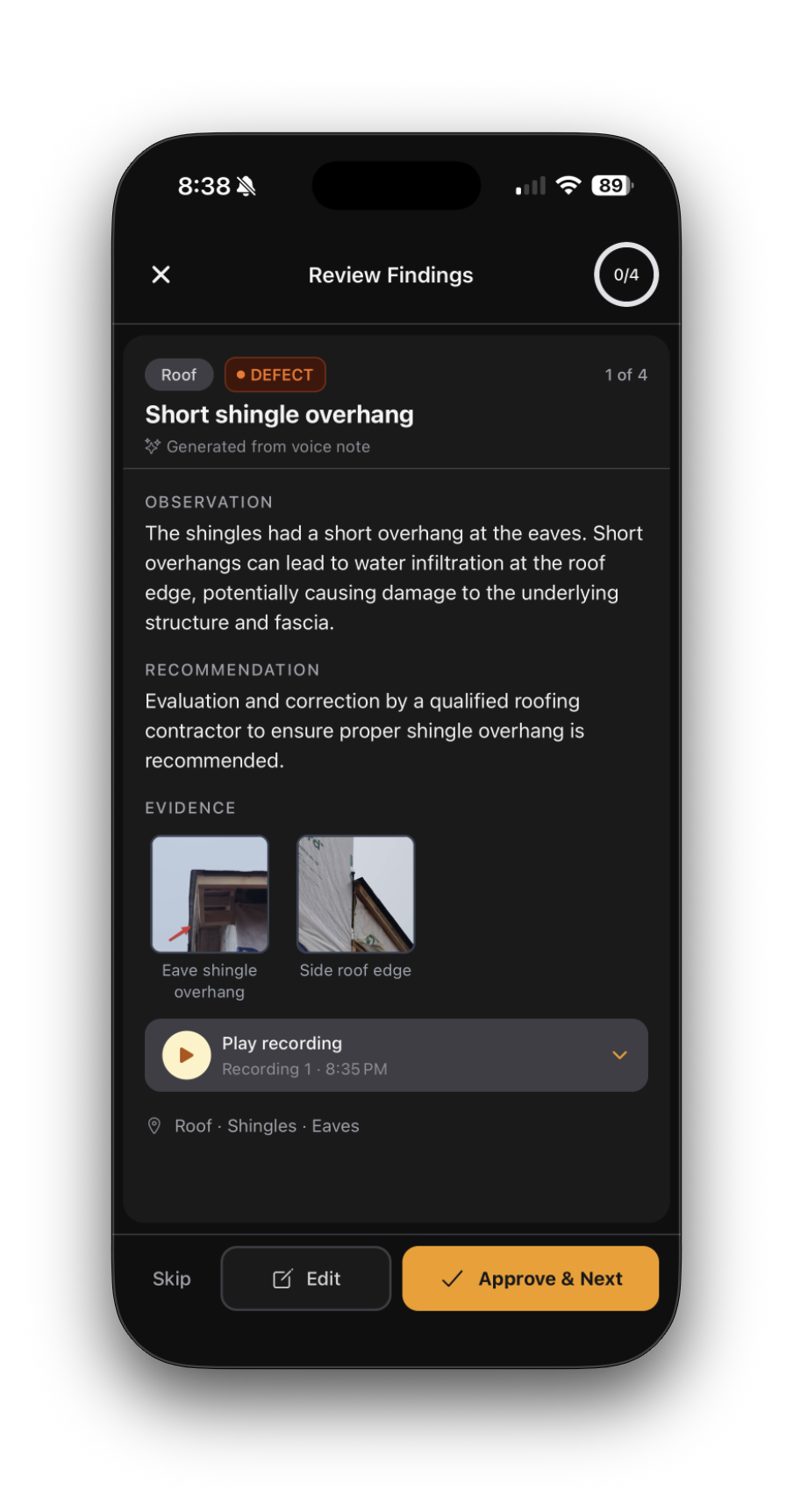
Shown in the InspectScribe beta.
How It Works
How an inspection becomes a report
Capture on site, create a draft when you are connected, then review every finding before delivery.
Record and capture on site
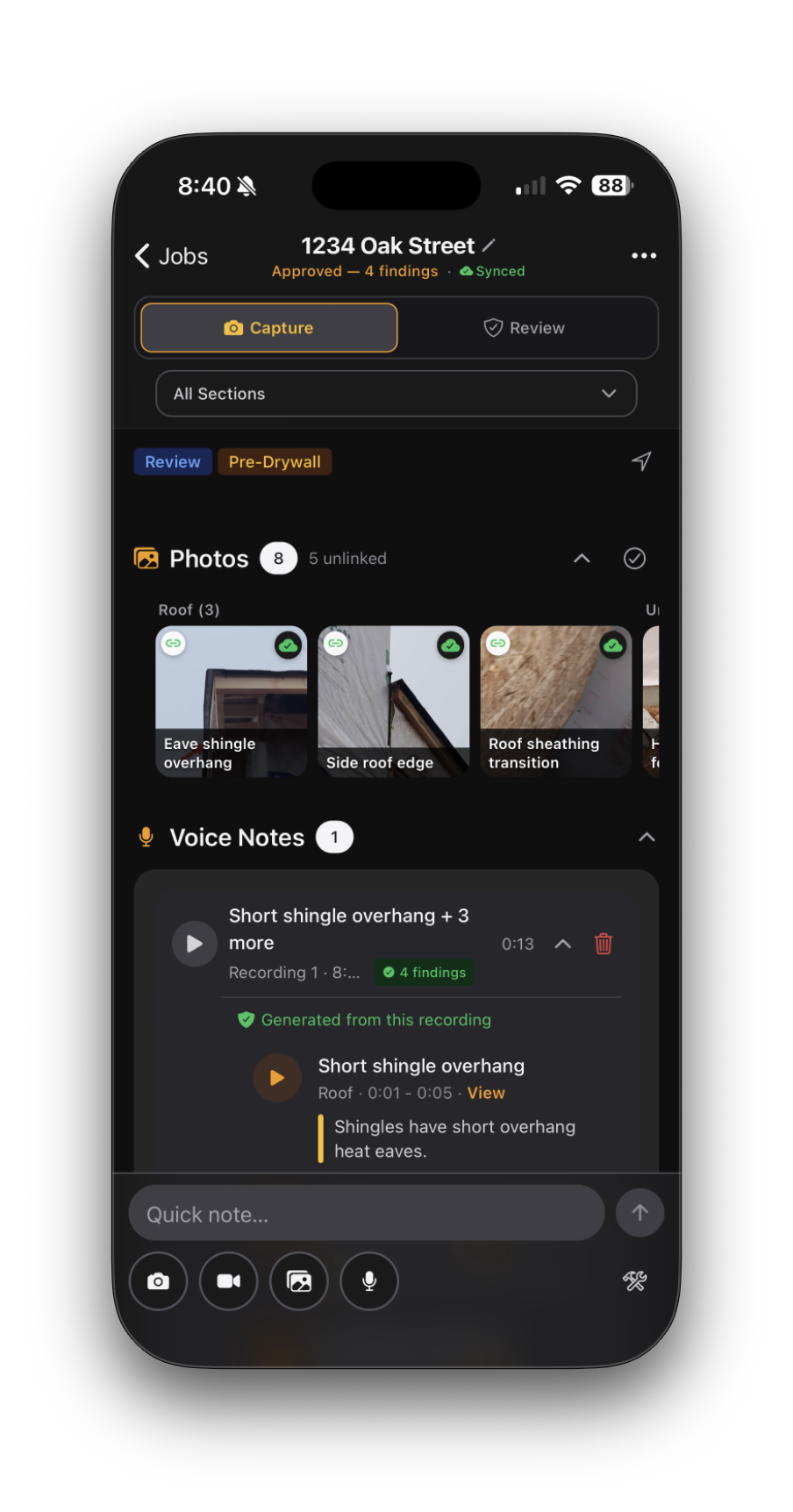
Generate a structured draft
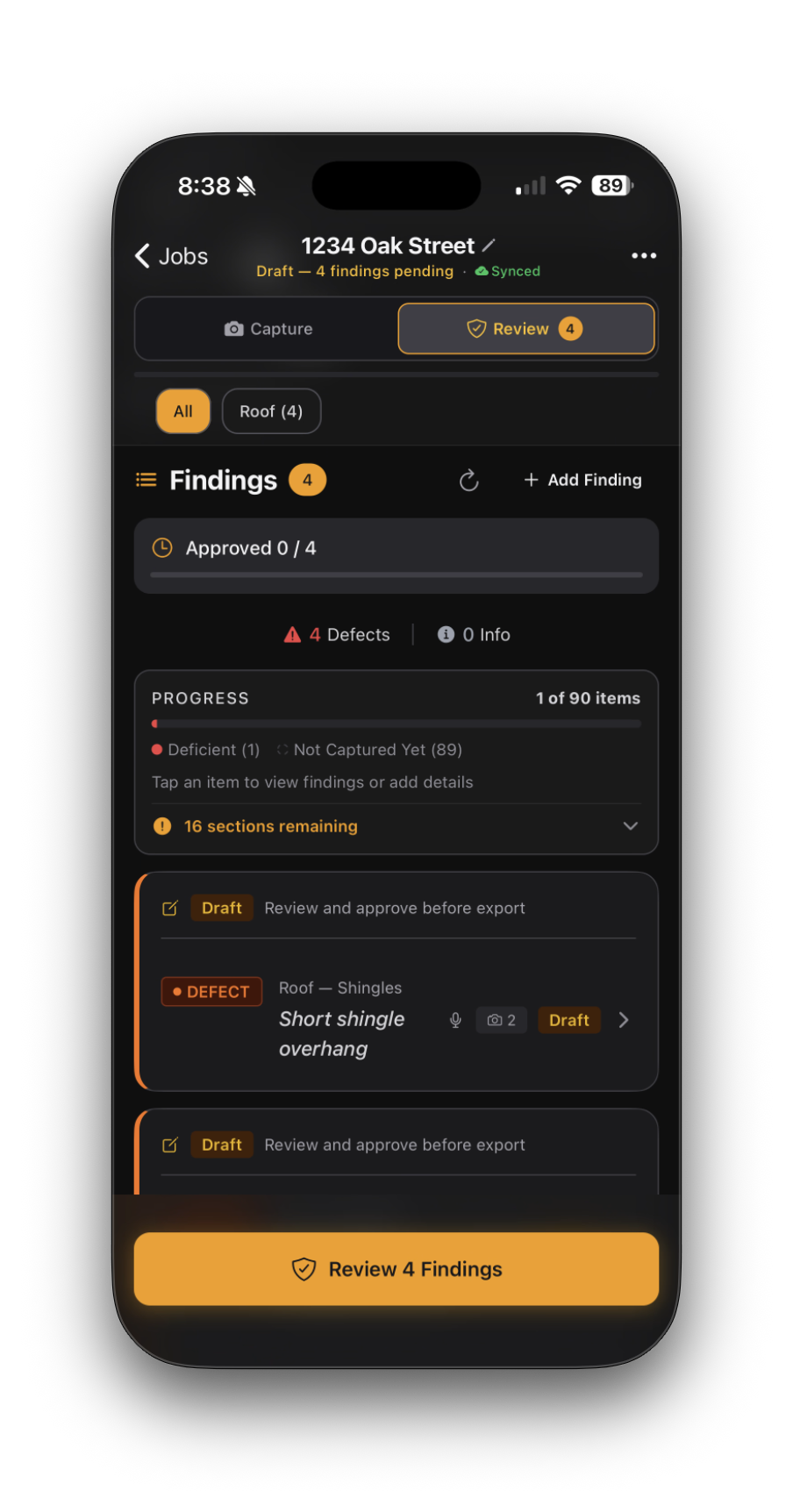
Review and deliver
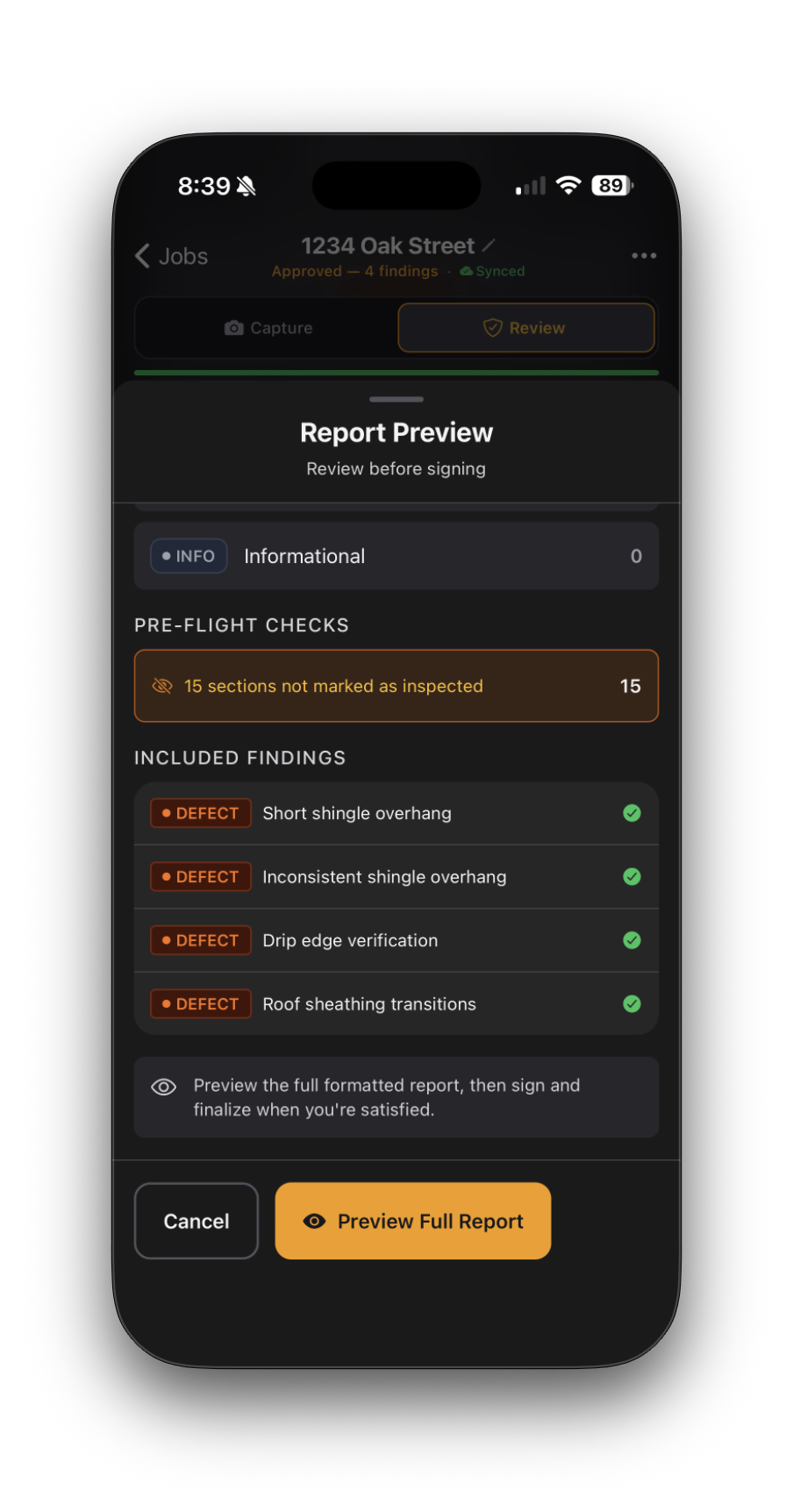
Capture offline. Connect for processing. Review before delivery.
Built for trust
You review every finding.
Check each draft against your notes and photos. Edit the wording and severity before you approve it.
-
Traceable findings
Review the recording and photo references alongside each finding. Verify that the text matches your evidence before approval.
-
You verify every finding
AI drafts from your recorded notes and can make mistakes. Check the source evidence, correct the text, and approve every finding before export.
-
Draft until approved
Every draft is clearly marked. You cannot export a PDF until you have reviewed and approved every finding.
-
Inspector-controlled output
Edit any finding, change severity, rewrite descriptions. You decide what belongs in the final report.
What you deliver
Show clients what you found.
Organize descriptions, severity levels, recommendations, and selected photos by section. The excerpt below uses fictional sample details.
Kitchen counter receptacles tested with GFCI tester. Two outlets near the sink failed to trip when tested. The failed test is documented for further evaluation.
Several breakers in the main electrical panel are not labeled. While not a safety concern, proper labeling helps homeowners and future technicians identify circuits quickly.
Built for inspection days
Keep the inspection in one place.
Keep notes, photos, client details, and report drafts with the job.
-
Schedule inspections
Set dates and times, then see upcoming jobs in calendar views -
Keep job details together
Save client and property details with each inspection -
Capture offline
Record voice notes and photos on your device without a signal -
Sync when connected
Uploads and AI processing need a connection; AI processing also needs your permission
-
Voice and photo evidence
Record observations and capture photos as you inspect -
Source-linked drafts
Review draft findings alongside their recording and photo references -
Inspector review
Edit, skip, or approve each finding before it enters the report -
Approval before export
Sign the final report after its findings are approved
-
Preview the report
Review the formatted report before finalizing it -
Export a PDF
Generate a report after approval and signature -
Share approved reports
Create a report link you can review, expire, or revoke -
Share when connected
Report links and media require an internet connection
Simple pricing
One plan. Built for independent inspectors.
Limited free early access includes five completed report projects.
Capture inspection evidence, review a source-linked draft, and approve your report.
- Five completed report projects
- Retries, edits, and re-exports do not use another project
- Offline capture; connect and allow processing for AI drafts
- Review and approve findings before signing and export
No card or automatic charge. Paid checkout is not available during early access.
The five-project allowance is shared across your organization. A project counts after report completion. Failed attempts, edits, retries, and re-exports do not use another project. Deleting a project does not restore a place. Existing reports remain accessible after cancellation.
Want to try InspectScribe?
Join the early-access list. We will email you when you can try the app.
No credit card required.